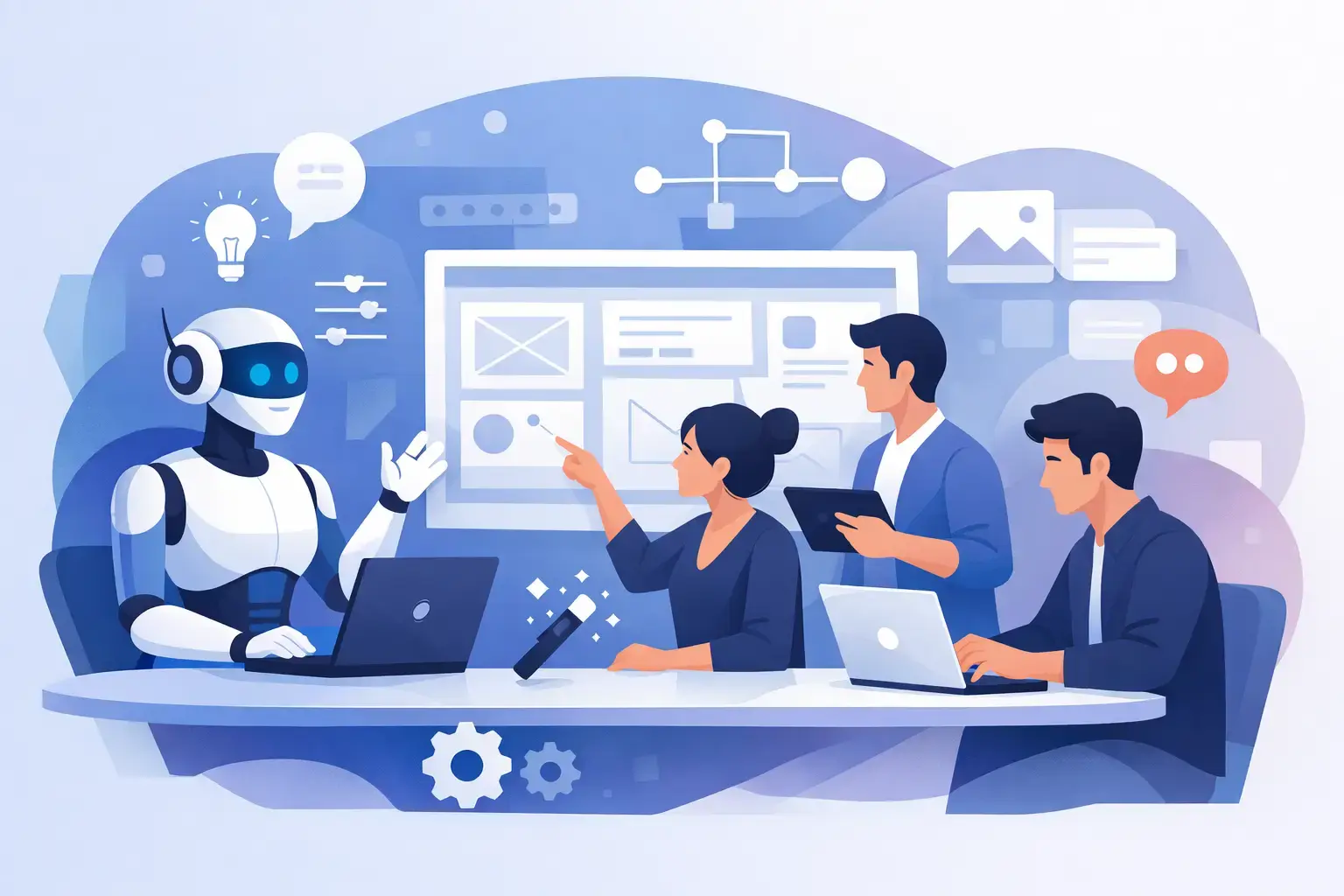
A product request arrives as a loose sentence: “We need a billing screen with plan comparisons and upgrade paths.” Turning that into a credible interface usually means finding the right components, deciding on hierarchy, composing states, and revising the result after feedback. The benefits of AI assistants become tangible when they reduce that cycle without turning the UI into unmaintainable generated code.
For frontend developers and product teams working with React and MUI, the useful question is not whether AI can generate a screen. It can. The useful question is whether it helps the team produce interfaces that remain consistent with the system they already ship. A capable assistant should speed up composition, preserve context, and leave engineers with decisions they can inspect and control.
1. Faster starts for common interface work
Most UI work does not begin with a blank canvas, even when the task feels new. A settings page, onboarding flow, analytics view, permissions table, or checkout panel has familiar patterns. The time cost comes from assembling them repeatedly, then adjusting spacing, layout, copy, and states until the page feels coherent.
An AI assistant can turn a short product brief into a working first pass. Instead of manually placing a stack, cards, tabs, form fields, buttons, and alerts, a developer can describe the intended workflow and refine the result. That does not eliminate implementation work. It eliminates much of the slow, low-leverage setup that delays a useful conversation about the product.
Speed matters most early, when the team is still testing structure. A rough but credible screen gives product, design, and engineering something concrete to evaluate before anyone overinvests in a direction.
2. Better alignment with a component system
Generic generation is easy to admire and harder to maintain. A visually convincing mockup can still introduce one-off patterns, inconsistent spacing, inaccessible controls, or components that do not exist in the codebase. That gap creates cleanup work precisely when a team expects acceleration.
One of the strongest benefits of AI assistants for UI teams is system-aware generation. When an assistant is grounded in MUI components, it can begin with the primitives developers already understand: layouts, inputs, dialogs, navigation, data display, and feedback patterns. The result is more likely to fit the application’s technical vocabulary from the start.
This is not a guarantee of production readiness. Teams still need to review component APIs, theme behavior, responsive rules, keyboard interactions, and edge cases. But starting from an established component ecosystem narrows the distance between concept and implementation. It also makes generated output easier to edit because the building blocks are familiar.
3. Less friction between screenshots and code
Product work is often communicated visually. A founder shares a competitor screenshot. A designer attaches a mockup with a few annotations. A customer points to a confusing section of an existing flow. Without an assistant, someone must translate that visual reference into a component plan before implementation can begin.
AI assistants that accept screenshots and mockups can shorten that translation step. A team can use a visual reference to establish density, page hierarchy, content grouping, and likely interaction patterns, then request an implementation direction using its own component system.
The important distinction is between reference and replication. A screenshot can communicate intent, but it should not dictate every pixel or encourage copied product behavior. The best workflow asks what problem the visual solves: Is it making plan differences easier to scan? Is it reducing form anxiety? Is it clarifying status? That interpretation produces a UI that fits the product instead of a shallow imitation.
4. More productive iteration through chat context
A single prompt rarely contains the full set of constraints. The first version may need a denser table. Then a stakeholder asks for bulk actions. Then the mobile layout needs a different information order. Re-explaining the screen from scratch every time is a quiet source of friction.
Context-aware assistants improve this loop. They can retain the intent behind earlier decisions and apply targeted changes: replace a sidebar with tabs, add an empty state, simplify the filters, or make the primary action more prominent. The conversation becomes a working design surface rather than a series of isolated requests.
That said, context needs active management. Long threads can preserve outdated assumptions, and an assistant may confidently extend a decision the team no longer wants. For meaningful changes, restate the constraint clearly: the user role, the required MUI components, the data shape, and the success condition. Good prompting is less about clever wording than supplying the decisions that actually matter.
5. More room for product judgment
The highest-value work on a UI is rarely the mechanical assembly of a card grid. It is deciding what users need first, what can wait, what action deserves emphasis, and how the interface behaves when data is missing or permissions change.
AI assistance creates capacity for those decisions. Developers can spend less time rebuilding standard composition patterns and more time validating behavior, improving performance, handling real data, and resolving accessibility details. Designers can test alternate hierarchies sooner. Product leads can react to a visible interface instead of debating a vague description.
The gain is not “fewer people needed.” It is better use of the people already on the team. Fast generation is valuable only if the recovered time goes into sharper product choices and stronger implementation quality.
6. Stronger handoffs without static artifacts
Traditional handoffs often separate design intent from engineering reality. A mockup describes what the screen should look like, while the developer decides how to construct it from the available system. Questions emerge late: Which component handles this state? Is that interaction supported? Does the layout work at smaller widths?
A component-oriented AI workflow brings those questions forward. The output can act as a shared intermediate artifact: visual enough for product review, structured enough for engineering review, and connected to the component library that will support the final build.
This does not replace design files, tickets, or code review. It makes each of them more efficient. When the first discussion begins with a structured UI rather than a static rectangle, teams can identify mismatches earlier and avoid passing ambiguity down the line.
7. Easier exploration of alternatives
Teams often settle on the first workable layout because alternatives are expensive to create. That is understandable, but it can hide better solutions. A dense dashboard may work better as a task-focused queue. A multi-step form may be clearer as a single page with progressive disclosure. A complex settings section may need search and grouping before it needs more tabs.
An AI assistant lowers the cost of comparing those options. Ask for two or three materially different structures, not cosmetic variations. For example, compare a table-first view, a card-first view, and a split-pane workflow. Then evaluate each against user goals, information density, mobile constraints, and implementation complexity.
The trade-off is review load. More options can create indecision if the team has not defined what success looks like. Use alternatives to answer a specific question, then choose a direction and move forward.
8. Consistency at scale, not just on one screen
Consistency becomes harder as a product grows. New contributors may use different patterns for the same task. A generated screen may look polished in isolation but drift from the rest of the application. The answer is not to avoid AI. It is to give the assistant a clear system boundary.
For MUI teams, that boundary includes the available components, theme tokens, layout conventions, copy patterns, and accessibility expectations. MUI Recipes is designed around this practical constraint: generate and refine interfaces using MUI components rather than treating the component system as an afterthought.
Teams should also establish a lightweight review standard. Check for semantic structure, responsive behavior, loading and empty states, error handling, focus order, and component reuse. These checks protect the system while allowing the team to move quickly.
9. A clearer path from prompt to production
Generated UI should be treated as an implementation accelerator, not an authority. The path to production still includes connecting real data, validating permissions, testing responsive behavior, meeting accessibility requirements, and reviewing code. The practical benefit is that those steps begin with a better foundation.
The most effective prompts include constraints that a real engineer would need: target user, key task, data fields, required actions, device priority, and component preferences. “Build a dashboard” is broad. “Create an MUI admin view for support leads to triage urgent tickets, with filters, bulk assignment, loading states, and a compact desktop-first layout” gives the assistant useful boundaries.
Start with a specific workflow your team builds repeatedly. Give the assistant real context, require output that fits your system, and review it with the same care you apply to any other implementation. That is where AI assistance stops being a novelty and becomes a practical part of UI production.