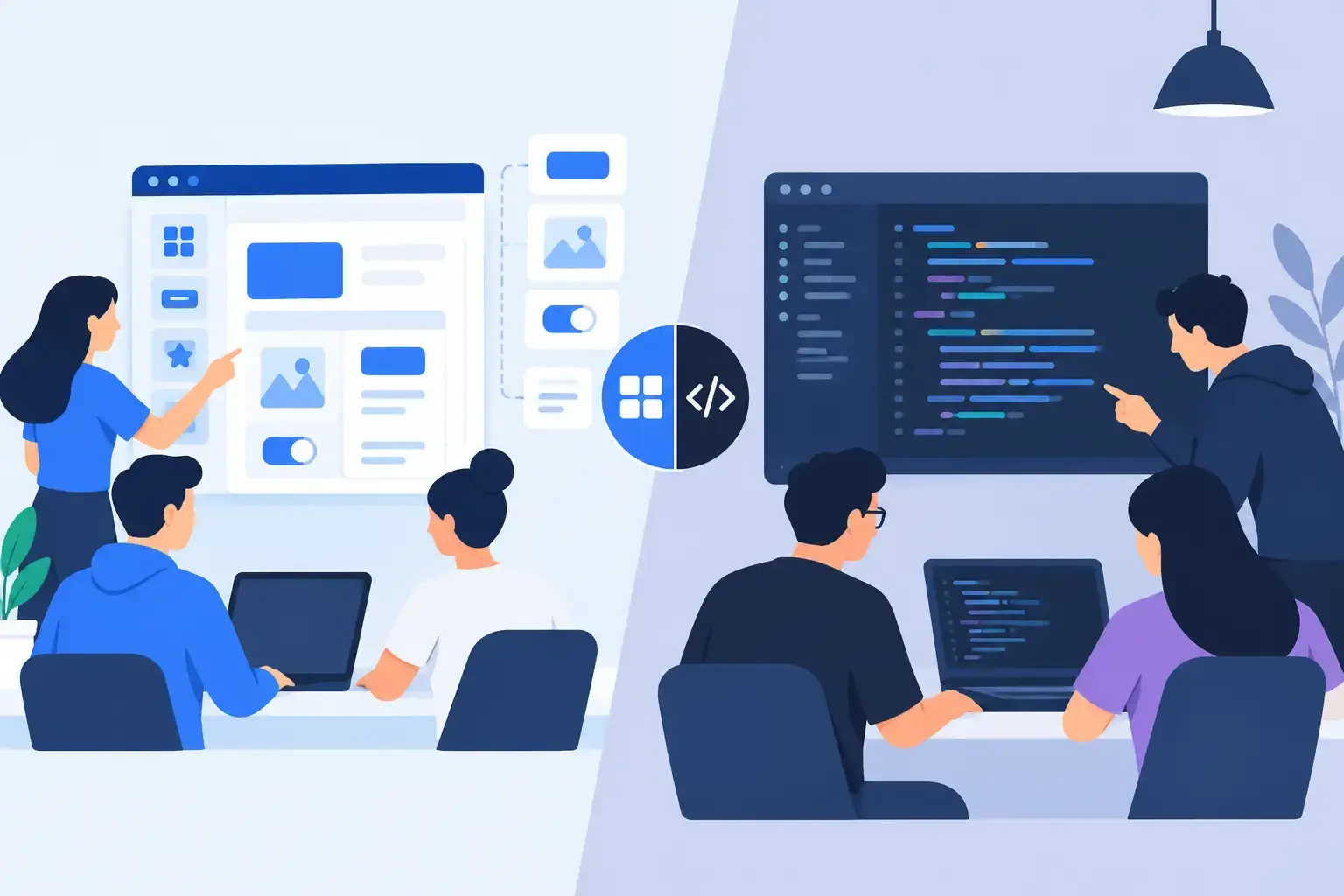
A settings page with tabs, permission tables, billing cards, empty states, and responsive behavior can take a developer most of a day to assemble by hand. The same screen may begin in minutes with a prompt-driven workflow. That does not make the MUI generator versus manual coding decision automatic. It changes where your team spends its time: on initial composition or on product-specific behavior, refinement, and validation.
For teams already building with React and MUI, the useful question is not whether AI replaces frontend engineering. It does not. The question is which parts of interface work should remain deliberately manual, and which parts benefit from faster, system-aware generation.
What an MUI generator actually changes
A general-purpose design generator can produce an attractive concept that has little relationship to your component library. An MUI-focused generator starts from a more practical constraint: the interface needs to be expressed through established MUI components and familiar layout patterns.
That matters because production UI is more than a screenshot. A dialog needs sensible structure. A data-heavy screen needs hierarchy, spacing, responsive behavior, and states for loading, errors, and empty results. A form needs labels, validation placement, and actions that make sense in context. The generated starting point should give developers something they can inspect, adapt, and connect to real application logic.
The biggest advantage is compressed setup time. Instead of manually choosing a page shell, arranging Grid or Stack layouts, wiring common controls, and tuning baseline spacing, a developer can describe the intent of the screen. A designer can attach a mockup or screenshot and use it as a visual reference. The team then iterates on a concrete interface rather than debating a blank canvas.
That is especially useful during discovery, product planning, and early implementation, when the cost of changing direction is low but the cost of manually assembling every option is high.
Where manual coding still wins
Manual coding is not the slow option in every situation. It is often the fastest and safest path when the UI is small, familiar, or tightly coupled to complex product behavior.
A developer who knows the codebase can build a simple confirmation dialog, a specialized form field, or a minor adjustment to an existing feature faster than they can write a detailed prompt, review generated output, and fit it into local conventions. The same is true when a component already exists in your shared library. Reusing it directly preserves behavior and avoids a second implementation.
Manual work also gives maximum control over difficult requirements. Consider an onboarding flow with conditional branching, an analytics dashboard with custom data transformations, or a form that must coordinate server validation, optimistic updates, and permissions. Generation can help shape the visible interface, but it cannot reliably infer every business rule, API contract, accessibility requirement, or edge case from a short description.
There is also a maintenance argument. Code that is intentionally composed around your project’s patterns is easier to understand six months later. If a generated interface introduces unfamiliar abstractions, duplicated components, or styling that bypasses the theme, the initial speed gain can become future cleanup work.
MUI generator versus manual coding: compare the real costs
The choice becomes clearer when teams compare total delivery cost rather than the time needed to get pixels on screen.
Speed: generation wins on first drafts
Generators are strongest when a screen is repetitive, conventional, or visually defined before its exact implementation is known. Admin dashboards, account settings, internal tools, ecommerce flows, marketing sections, and CRUD interfaces all contain patterns that benefit from a fast first pass.
Manual coding has a slower starting curve because every decision is explicit. But that can be an advantage for a narrow change inside a mature product. If you are extending a known component with a known API, there may be no discovery work to accelerate.
A practical rule: generate when you need to explore or compose a page; code manually when you are making a contained change to a well-understood system.
Consistency: it depends on the generator’s constraints
AI output is only useful when it follows the system your team has already committed to. A generator that treats every request as a new visual experiment can create inconsistency faster than a human can prevent it.
MUI-centered generation has a meaningful advantage here. When the output is grounded in the same component ecosystem your team ships, it begins closer to accepted patterns for controls, surfaces, navigation, and layout. That reduces the gap between prototype and implementation.
Still, MUI is not your complete design system. Your theme, custom components, token decisions, content rules, and application patterns remain the source of truth. Review generated output for typography variants, spacing, color usage, breakpoints, and component choices. A component library provides guardrails, not automatic governance.
Control: manual coding remains the final authority
Generation is useful because it produces options quickly. Manual coding remains essential because someone needs to make the final technical decisions.
Developers need to decide how state flows through a screen, where data is fetched, which components are reusable, and what belongs in a feature versus a shared package. They need to test keyboard behavior, focus management, screen reader labels, and failure states. These are not finishing touches. They are part of whether the interface works.
Treat generated code as a strong draft, not an exception to engineering standards. The right workflow has a review step where the team simplifies structure, removes unnecessary duplication, and aligns the output with the existing repository.
Maintainability: quality comes from the handoff
A generated screen can be maintainable if it is reviewed, integrated, and owned like any other contribution. It becomes risky when teams paste it into production without checking its structure.
The warning signs are familiar: inline values that should be theme tokens, repeated markup that should be a reusable component, arbitrary breakpoints, unclear naming, and visual states that do not correspond to real data states. These problems are not unique to AI-generated code, but generation can create them at a larger scale and faster pace.
The fix is not to avoid generation. It is to set an acceptance bar. Generated UI should use your preferred MUI patterns, pass linting and type checks, behave well on small screens, and meet the same accessibility expectations as manually written work. Once those rules are clear, speed no longer has to compete with quality.
A workflow that uses both well
The most effective teams do not choose one method for every task. They use generation for composition and iteration, then use engineering judgment for product behavior and long-term fit.
Start with context. Describe the user, the job they need to complete, the key content, and the primary action. If you have a screenshot, wireframe, or mockup, attach it. Specific inputs create more useful output than broad requests such as “make a modern dashboard.”
Next, ask for the screen in stages. Begin with the page structure and hierarchy. Then refine the data presentation, form fields, or responsive behavior. This is generally more efficient than trying to produce a perfect finished page in one prompt, because it makes decisions visible earlier.
Once the interface is close, move into normal development practice. Connect real data, replace placeholders, define component boundaries, and test meaningful states. Check loading, errors, no-results scenarios, permissions, long labels, and mobile layout. If the screen is customer-facing, include content design and accessibility review before treating it as complete.
MUI Recipes fits this workflow by helping teams generate and refine interfaces from prompts, chat context, and visual references while staying anchored to MUI components. The value is not a shortcut around implementation. It is a faster path to a structured starting point that your team can turn into product code.
Choose based on uncertainty, not ideology
Use an MUI generator when the interface is still taking shape, when you need several directions quickly, or when repetitive assembly is slowing down a team that already knows its design system. Use manual coding when the work is a precise extension of an established feature, when the behavior is unusually complex, or when a shared component already solves the problem.
The best signal is uncertainty. High uncertainty in layout, content hierarchy, or visual direction is where generation earns its place. High certainty with complex product logic is where careful manual work pays off.
Build the first version fast enough to invite useful feedback, then give the final version the engineering attention users will feel.