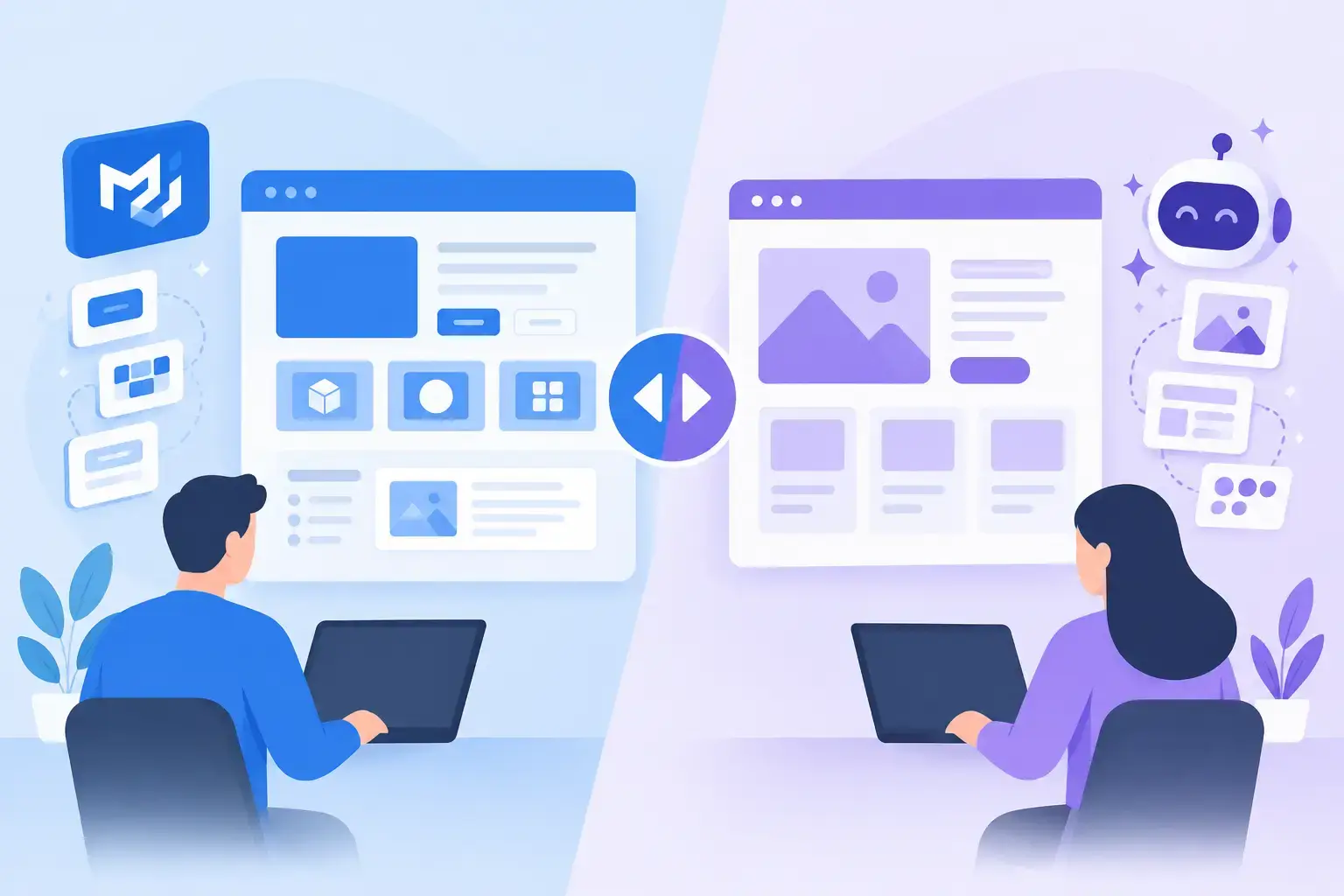
A generated dashboard can look convincing in a screenshot and still create hours of implementation work. That is the practical difference behind MUI Recipes vs generic AI builders: one starts from a component system your team can use, while the other often starts from a blank visual canvas.
For teams building React products with MUI, the question is not whether AI can produce an interface. It can. The question is whether the result preserves the component choices, spacing patterns, interaction states, and implementation discipline required to keep shipping.
MUI Recipes vs generic AI builders: the core difference
Generic AI builders are designed to handle a broad range of requests. Ask for a fintech dashboard, a marketing site, or a mobile checkout flow, and they can generate a direction quickly. That flexibility is useful when the goal is exploration, a demo, or an early visual concept.
But broad generation has a cost. The model may choose arbitrary component patterns, invent new visual rules from prompt to prompt, or return output that looks polished without mapping cleanly to your frontend stack. A developer then has to translate the concept into real components, decide where the design is inconsistent, and rebuild the result around the system the product already uses.
MUI Recipes takes a narrower, more production-aware path. It is built around the MUI component ecosystem, so generation begins with the vocabulary many React teams already rely on. Instead of receiving an abstract interpretation of a prompt, users can work toward interfaces structured around established MUI patterns.
That constraint is a feature. It reduces the distance between an idea and an interface your team can refine.
Generic generation is strong at breadth
A generic builder is often the right tool when you need to think widely before you think precisely. A founder testing several product directions may value speed over component fidelity. A designer collecting visual references may want unusual layouts that are not intended for immediate implementation. A team creating a one-off landing page may not need to protect a long-lived application design system.
These tools can also be useful for generating a starting point from a loose prompt. “Create a travel booking app with a premium feel” is an intentionally broad request. Generic models can offer a range of interpretations and help a team react to something concrete.
The limitation appears when the interface needs to become part of an existing product. A generated card may not match the cards already in the application. A custom filter control may require a new implementation. A layout that works in a static mockup may not account for responsive behavior, validation, loading states, empty states, or dense data views.
That does not make generic AI builders bad. It means their output often needs a translation layer before it becomes product UI.
System alignment changes the economics of prototyping
Most UI work is not inventing a new visual language. It is composing known patterns for a new job: a table with filters, a settings page with permissions, an onboarding flow, a support dashboard, or a configuration panel.
When every generated screen introduces fresh design decisions, the team pays for those decisions later. Product and design review them. Engineering decides how to implement them. QA finds differences between similar screens. Over time, the app collects near-duplicates that are harder to maintain than a shared pattern would have been.
A component-grounded tool changes this dynamic. If generation is shaped by MUI components, the output is more likely to use patterns that already have known behavior and familiar APIs. That gives developers a clearer starting point and gives designers a way to explore within the boundaries of the product’s implementation model.
Consistency is not only visual. It affects how quickly a team can make changes. A familiar component structure is easier to inspect, revise, and extend than a visually original concept that requires custom work at every layer.
Context matters more than a clever first prompt
The best interface generation is rarely a single prompt followed by a perfect result. Real product work is iterative. Someone adds a screenshot of an existing page, points out that the primary action belongs in the header, asks to use a denser table layout, then requests an empty state for users with no data.
Generic builders may accept prompts and images, but their context can remain loosely connected to the system you are building. The output may follow the latest request while drifting from previous decisions.
MUI Recipes is designed for an iterative workflow that uses prompts, recent chat context, screenshots, and mockups. This matters because UI requests are often incomplete at the beginning. A screenshot can communicate hierarchy and density faster than a paragraph. A mockup can establish the intended structure. Recent conversation can preserve the constraints that should not be lost during the next revision.
For a UI engineer, that means less time restating requirements. For a product designer, it means fewer rounds spent explaining why the generated screen should resemble the rest of the product. For a founder, it means a concept can move from rough direction to a more credible interface without treating every edit as a restart.
The implementation question is where the comparison gets real
When evaluating AI UI tools, ask a simple question: what happens after the screen is generated?
If the answer is “we will use it as inspiration,” a generic builder may be enough. It can help a team find a direction quickly, especially when the visual brief is still open.
If the answer is “we need to turn this into a working React interface,” the evaluation should be stricter. Look at whether the output reflects the components your team uses, whether its structure supports iteration, and whether it reduces or increases handoff work.
A useful generated interface should help answer implementation questions, not create more of them. Which MUI components should represent the flow? How should actions be grouped? What happens when data is missing? Which areas need to scale from desktop to smaller screens? Can the next person on the team understand and continue the work?
No AI builder removes the need for engineering judgment. Product requirements, accessibility, data states, and edge cases still need deliberate decisions. The goal is not to automate responsibility. The goal is to avoid spending skilled time rebuilding generic output into the component system you already chose.
When MUI Recipes is the better fit
MUI Recipes is a strong fit when the product is already built with MUI or when a team wants MUI to be the foundation of its interface system. It is particularly useful for recurring application UI work: admin surfaces, internal tools, account areas, settings, workflows, reporting screens, and data-heavy views.
It also fits teams where design and engineering need to stay close. Instead of treating AI generation as a separate ideation activity, they can use it as part of the build process. A designer can provide a visual reference. A developer can direct the component structure. Both can iterate on the same interface direction with less translation between concept and implementation.
The trade-off is intentional. A system-focused tool is not trying to produce every possible aesthetic or replace open-ended creative exploration. Its value is speed with guardrails. If your project needs a completely bespoke visual identity with custom primitives at every level, a generic tool may provide a wider creative range early on.
But if your team already knows that the final interface must live in MUI, starting with MUI-aligned generation is usually the faster route.
Choose the tool based on where the work needs to end
A generic AI builder can be a useful sketchpad. It helps when the team is asking, “What could this be?” MUI Recipes is built for the next question: “How do we make this fit the product we are actually shipping?”
For React teams, that distinction is more than a preference. It determines whether AI shortens the path to implementation or simply moves the manual work to a later stage. Start with the system your product depends on, then use AI to move through the decisions that matter.